
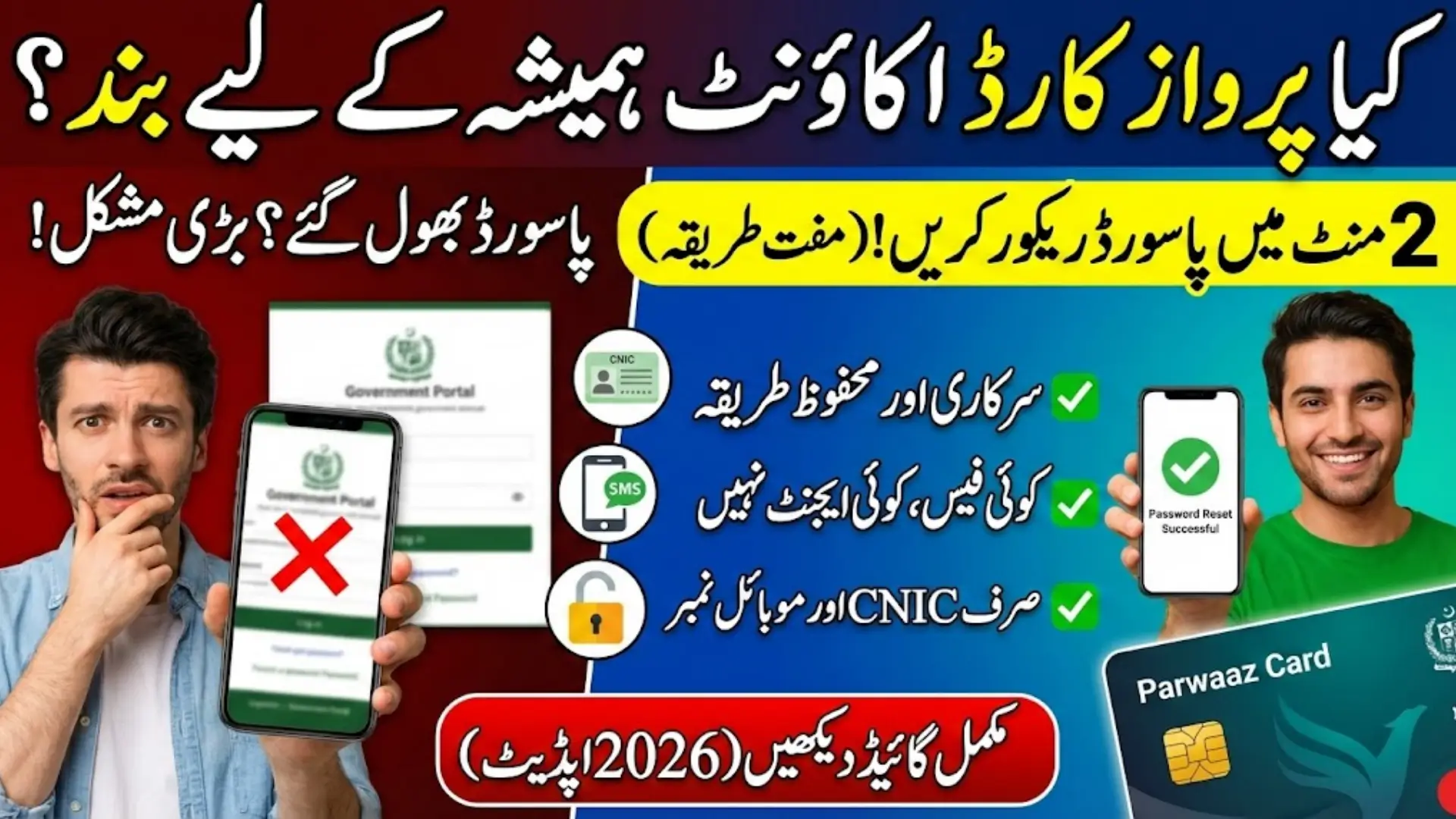
Parwaaz Card Portal Password Recovery
Parwaaz Card Portal Password Recovery In Pakistan, many people register on government portals only once and then forget about them until an important update or verification is announced. When such time comes, users often try to log in to the Parwaaz Card portal and realize that they no longer remember their password. This situation causes stress, delays, and unnecessary confusion, especially for applicants who are not used to digital systems.
From what I have personally observed, most applicants think that forgetting a password means their account is lost. Some even believe that the Parwaaz Card application has been canceled. This guide is written to remove that fear and clearly explain how anyone can recover their Parwaaz portal password in 2026 using the official and safe method provided by the system.
You Can Also Read: CM Punjab Dialysis Card 2026 Apply Online for Free Kidney Treatment
Understanding the Role of the Parwaaz Card Online System
The Parwaaz Card portal is an official digital platform created to manage registrations, applications, and verification records of applicants. Every user creates a single account using their CNIC and mobile number, and all future activity is connected to that account. This is why recovering access to the same account is extremely important.
The portal is not just a form-submission website. It works as a complete record system where applicant data is stored securely. Losing access means you cannot see updates, check status, or respond to verification requirements. That is why the system focuses strongly on account security.
Through the Parwaaz Card portal, users can:
- Submit and manage their Parwaaz Card application
- Track application and verification status
- Receive official system updates
- View personal and application-related information
You Can Also Read: Nigehban Free Atta Scheme Punjab How to Check Eligibility
When Access Problems Start: Real Issues Users Face
Most password problems begin because users do not log in regularly. Many applicants register successfully and then do not open the portal for weeks or even months. When they return, the password is forgotten, especially if it was not saved properly.
Another issue I have frequently seen is confusion between different government portals. Since many systems require CNIC-based login, people often mix up passwords. This results in repeated failed login attempts and sometimes leads to temporary account locks.
Common reasons behind login problems include:
- Long gap between portal visits
- Password not saved securely
- Confusion with other government portals
- Change of mobile phone or browser
You Can Also Read: Punjab Green Tractor Scheme 2026 Deadline Alert Farmers
Built-In Account Recovery Option: What the Portal Offers
The Parwaaz Card portal already includes a built-in password recovery feature for registered users. This option is designed for ordinary citizens and does not require any technical knowledge. Everything is handled online and within a few minutes if details are correct.
Many people mistakenly think they need to visit an office or contact an agent for help. From my experience, this is completely unnecessary. The official recovery option is safe, fast, and free of cost.
Important points about the recovery system:
- No office visit is required
- No agent or payment is involved
- Original account data remains secure
- Identity is verified through OTP
You Can Also Read: Parwaaz Card Jobs 2026
Preparing Before You Reset Your Password
Before starting the password recovery process, it is important to prepare properly. Small mistakes like an inactive mobile number or incorrect CNIC entry can stop the process and cause frustration.
Users should ensure that the mobile number registered with the Parwaaz portal is active and has network coverage. Since OTP verification is mandatory, the recovery process cannot continue without SMS confirmation.
Before proceeding, make sure you have:
- Your correct CNIC number without dashes
- The same mobile number used during registration
- A stable internet connection
- Access to a trusted personal device
You Can Also Read: Punjab Rozgar Loan Program 2026 Who Can Apply, Loan
Step-by-Step Guide to Reset Your Parwaaz Portal Password
The password recovery process on the Parwaaz Card portal is simple but must be followed carefully. From what I have seen, most failures happen because users rush or skip steps.
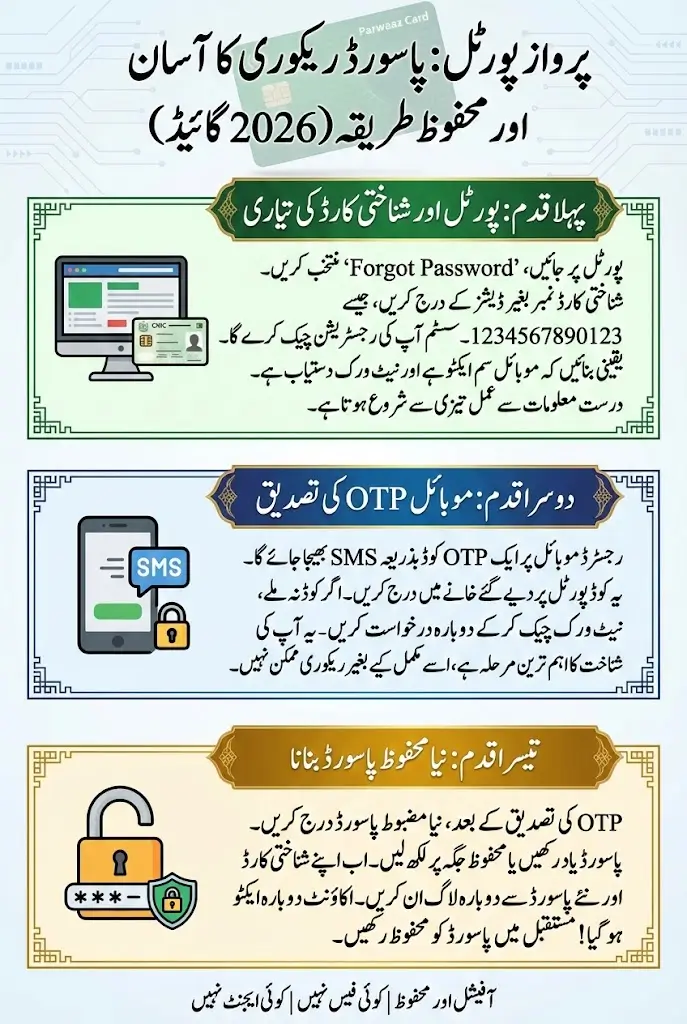
First, open the official Parwaaz portal and go to the login page. Click on the “Forgot Password” option, which will redirect you to the recovery section. Enter your CNIC exactly as used during registration. After CNIC verification, the system checks your registered mobile number.
An OTP is then sent to your mobile phone. Once the OTP is entered correctly, the system allows you to create a new password. After confirmation, you can log in again using your CNIC and new password.
You Can Also Read: 8123 Ehsaas Rashan Program 2026 Registration
The recovery flow includes:
- Opening the official Parwaaz Card portal
- Selecting the password recovery option
- Entering CNIC accurately
- Verifying registered mobile number
- Confirming OTP
- Creating a strong new password
Common Errors During Password Reset and Their Meaning
Sometimes users face errors even when they follow instructions. These issues usually do not mean the account is lost. They are mostly system checks designed to protect user data.
OTP delays are common due to mobile network issues or a switched-off phone. CNIC mismatch errors usually occur due to typing mistakes. Multiple incorrect attempts can temporarily lock the account for security reasons.
Practical Solutions If the Recovery Process Fails
If the password recovery does not work on the first attempt, patience is important. Repeated incorrect entries only make the situation worse by triggering security locks.
If OTP is not received, wait a few minutes and check mobile signal before requesting it again. If CNIC is not found, carefully recheck the number. Only in rare cases where registration was incomplete should a new registration be considered.
Keeping Your Parwaaz Account Safe After Recovery
Once access is restored, users should take responsibility for protecting their account. In my observation, people who save passwords securely rarely face repeated issues.
Keeping the registered mobile number active is just as important as remembering the password. Since OTP is required for many actions, an inactive SIM can create problems later.
Follow these safety practices:
- Save your password securely
- Keep your registered SIM active
- Never share CNIC, password, or OTP
- Always log out on shared devices
Frequently Asked Questions About Parwaaz Portal Password Recovery 2026
Many applicants ask the same questions regarding password recovery. Clear answers help remove confusion and prevent misinformation.
| Common Question | Official Answer |
|---|---|
| Is OTP mandatory for password recovery? | Yes, OTP verification is required |
| Is there any fee for resetting the password? | No, the process is completely free |
| How much time does it take? | Usually less than 5 minutes |
| Can someone else reset my password? | No, only the registered user can |
Final Summary
Forgetting your Parwaaz Card portal password is a common issue and not something to panic about. The system is designed to help users recover access easily while keeping personal data secure.
By using your CNIC and registered mobile number, you can reset your password online without visiting any office or paying any charges. Based on what I have seen, users who rely on the official recovery method face no serious issues.
Protect your login details, keep your mobile number active, and always use the official portal. This will ensure smooth access to your Parwaaz Card account whenever you need it in 2026 and beyond.